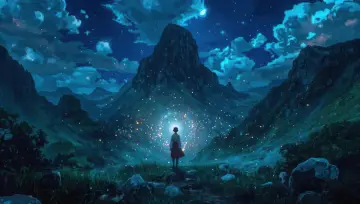
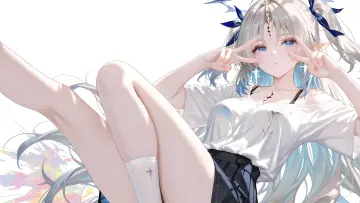
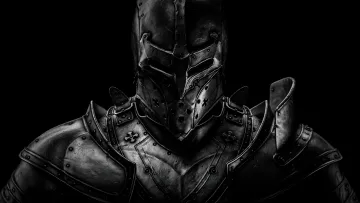
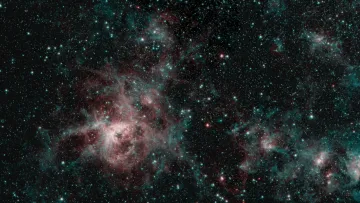
An anime girl with dark blue hair stands on a balcony overlooking a city at night with blurred lights. The mood is peaceful and serene. This anime live wallpaper, Quiet Night City View, is dominated by black and grey tones. It is a 10.1-second video at 25 fps, delivered as an MP4 with no sound; the loop restarts from the first frame. The file is a native 1920×1080 pixel image (FHD), checked for real detail rather than upscaling. Its proportions suit desktop monitors and laptops. The very dark background saves battery on OLED and AMOLED screens and keeps icons and clocks easy to read. Themes: anime, night, peaceful, dark blue, city lights. Download the MP4 free and set it with your phone’s gallery, a live wallpaper app, or a desktop app such as Lively Wallpaper or Wallpaper Engine.
How to set this live wallpaper
- Download the MP4 and open it in the Gallery app.
- Tap ⋮ (More) → Set as wallpaper, then choose Lock screen.
- Samsung trims videos longer than 15 seconds for the lock screen.
- Download the MP4.
- Install a free “video wallpaper” app from Google Play.
- Pick the MP4 in the app and set it for the home or lock screen.
- iPhone can’t use an MP4 as a wallpaper directly, so turn it into a Live Photo with a free converter app from the App Store.
- Open Settings → Wallpaper → Add New Wallpaper → Photos and choose the Live Photo.
- Make sure Live Photo is switched on; it plays when you wake the lock screen.
- Download the MP4.
- Windows: open it in a free app such as Lively Wallpaper (Microsoft Store) or Wallpaper Engine (Steam).
- Mac: use a live wallpaper app from the Mac App Store and add the MP4.