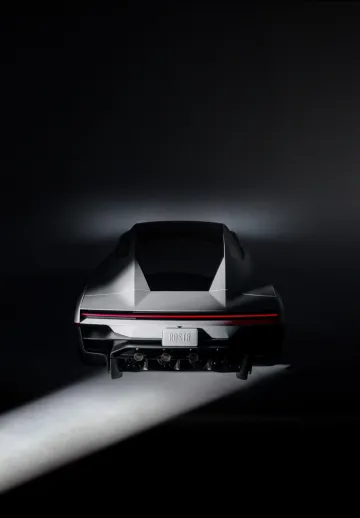
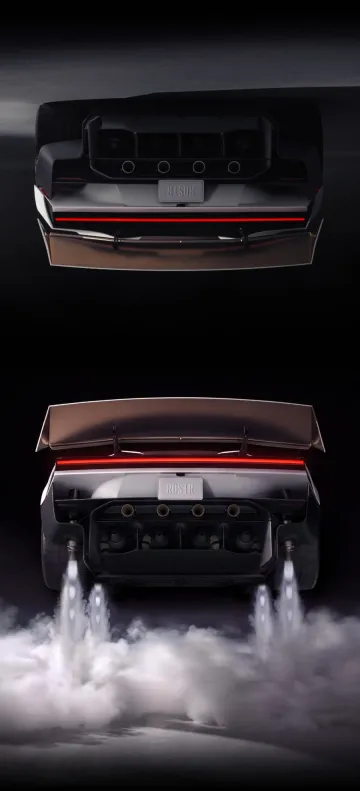
Green Bmw M3 Burnout brings black, green and grey tones to your screen in a clean cars composition. It is a 5-second video at 60 fps, delivered as an MP4 with no sound, and the last frame flows straight back into the first, so the loop has no visible jump. The file is 3840×2160 pixels; our check shows it was upscaled, so it is labelled honestly. Its proportions suit desktop monitors and laptops. Deep, dark tones make it OLED-friendly and keep widgets and text readable on top. Themes: green, bmw m3, burnout. Download the MP4 free and set it with your phone’s gallery, a live wallpaper app, or a desktop app such as Lively Wallpaper or Wallpaper Engine.
How to set this live wallpaper
Samsung Galaxy
- Download the MP4 and open it in the Gallery app.
- Tap ⋮ (More) → Set as wallpaper, then choose Lock screen.
- Samsung trims videos longer than 15 seconds for the lock screen.
Other Android phones
- Download the MP4.
- Install a free “video wallpaper” app from Google Play.
- Pick the MP4 in the app and set it for the home or lock screen.
iPhone
- iPhone can’t use an MP4 as a wallpaper directly, so turn it into a Live Photo with a free converter app from the App Store.
- Open Settings → Wallpaper → Add New Wallpaper → Photos and choose the Live Photo.
- Make sure Live Photo is switched on; it plays when you wake the lock screen.
Windows & Mac
- Download the MP4.
- Windows: open it in a free app such as Lively Wallpaper (Microsoft Store) or Wallpaper Engine (Steam).
- Mac: use a live wallpaper app from the Mac App Store and add the MP4.