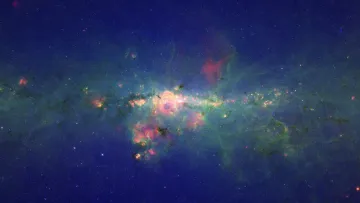
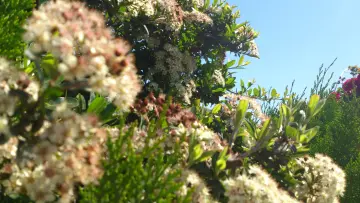
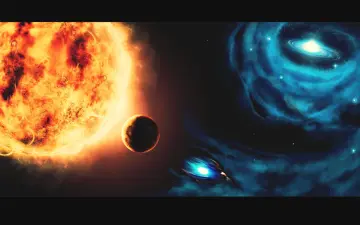
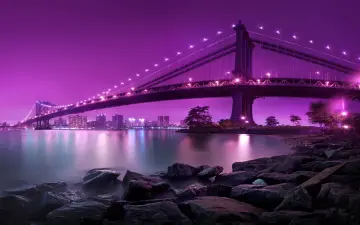
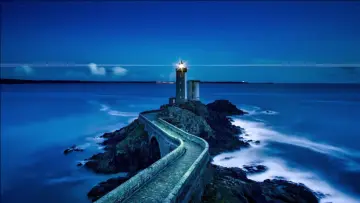
Glowing hot air balloons drift peacefully past distant castles under a starry night sky and colorful nebula. The twilight atmosphere creates a dreamy and serene mood. Journey Through Starry Skies brings purple, blue and red tones to your screen in a clean fantasy composition. It is a 5.1-second video at 25 fps, delivered as an MP4 with no sound; the loop restarts from the first frame. The file is a native 1920×1080 pixel image (FHD), checked for real detail rather than upscaling. Its proportions suit desktop monitors and laptops. Mid-tone colours keep it calm behind icons without looking flat. Themes: nebula, orange, stars, purple, sunset. Download the MP4 free and set it with your phone’s gallery, a live wallpaper app, or a desktop app such as Lively Wallpaper or Wallpaper Engine.
How to set this live wallpaper
- Download the MP4 and open it in the Gallery app.
- Tap ⋮ (More) → Set as wallpaper, then choose Lock screen.
- Samsung trims videos longer than 15 seconds for the lock screen.
- Download the MP4.
- Install a free “video wallpaper” app from Google Play.
- Pick the MP4 in the app and set it for the home or lock screen.
- iPhone can’t use an MP4 as a wallpaper directly, so turn it into a Live Photo with a free converter app from the App Store.
- Open Settings → Wallpaper → Add New Wallpaper → Photos and choose the Live Photo.
- Make sure Live Photo is switched on; it plays when you wake the lock screen.
- Download the MP4.
- Windows: open it in a free app such as Lively Wallpaper (Microsoft Store) or Wallpaper Engine (Steam).
- Mac: use a live wallpaper app from the Mac App Store and add the MP4.