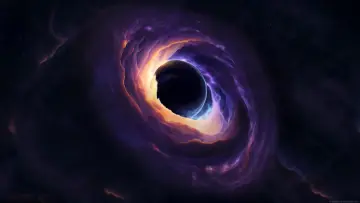
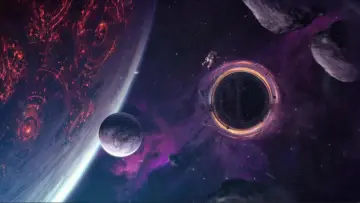
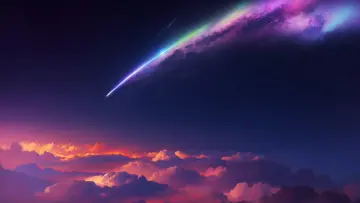
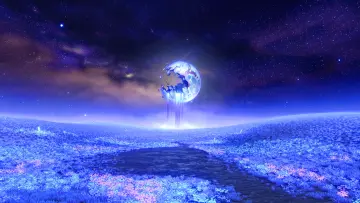
A traveler with a red backpack stands looking up at a vast cosmic sky filled with nebulas and planets. The scene evokes a quiet sense of wonder and endless exploration. This space live wallpaper, Journey Into The Cosmos, is dominated by purple, blue and black tones. It is a 48.5-second video at 29 fps, delivered as an MP4 with no sound; the loop restarts from the first frame. The file is a native 1920×1080 pixel image (FHD), checked for real detail rather than upscaling. Its proportions suit desktop monitors and laptops. Mid-tone colours keep it calm behind icons without looking flat. Themes: nebula, blue, red, mystical, space. Download the MP4 free and set it with your phone’s gallery, a live wallpaper app, or a desktop app such as Lively Wallpaper or Wallpaper Engine.
How to set this live wallpaper
- Download the MP4 and open it in the Gallery app.
- Tap ⋮ (More) → Set as wallpaper, then choose Lock screen.
- Samsung trims videos longer than 15 seconds for the lock screen.
- Download the MP4.
- Install a free “video wallpaper” app from Google Play.
- Pick the MP4 in the app and set it for the home or lock screen.
- iPhone can’t use an MP4 as a wallpaper directly, so turn it into a Live Photo with a free converter app from the App Store.
- Open Settings → Wallpaper → Add New Wallpaper → Photos and choose the Live Photo.
- Make sure Live Photo is switched on; it plays when you wake the lock screen.
- Download the MP4.
- Windows: open it in a free app such as Lively Wallpaper (Microsoft Store) or Wallpaper Engine (Steam).
- Mac: use a live wallpaper app from the Mac App Store and add the MP4.