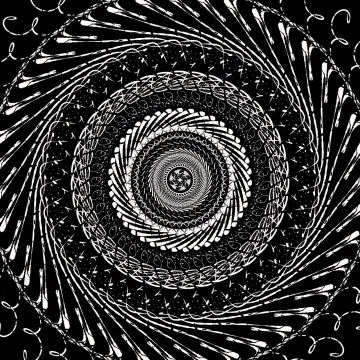
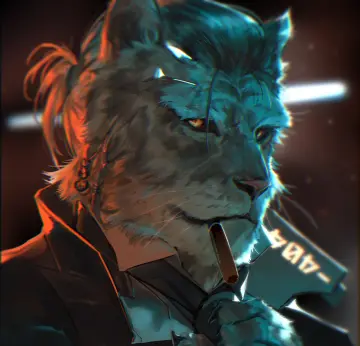
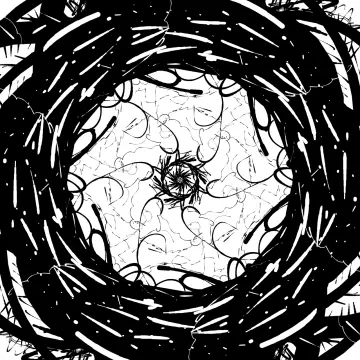
An anthropomorphic boar creature with dripping black slime and glowing eyes is set against a spinning purple and yellow spiral background. The atmosphere is trippy, strange, and darkly humorous. This art live wallpaper, Hypnotic Sludge Beast, is dominated by black, brown and yellow tones. It is a 0.7-second video at 30 fps, delivered as an MP4 with no sound; the loop restarts from the first frame. The file is 1000×1000 pixels; our check shows it was upscaled, so it is labelled honestly. Its proportions suit square screens, profile art and foldables. Mid-tone colours keep it calm behind icons without looking flat. Themes: dark, purple, yellow, cartoon, spiral. Download the MP4 free and set it with your phone’s gallery, a live wallpaper app, or a desktop app such as Lively Wallpaper or Wallpaper Engine.
How to set this live wallpaper
- Download the MP4 and open it in the Gallery app.
- Tap ⋮ (More) → Set as wallpaper, then choose Lock screen.
- Samsung trims videos longer than 15 seconds for the lock screen.
- Download the MP4.
- Install a free “video wallpaper” app from Google Play.
- Pick the MP4 in the app and set it for the home or lock screen.
- iPhone can’t use an MP4 as a wallpaper directly, so turn it into a Live Photo with a free converter app from the App Store.
- Open Settings → Wallpaper → Add New Wallpaper → Photos and choose the Live Photo.
- Make sure Live Photo is switched on; it plays when you wake the lock screen.
- Download the MP4.
- Windows: open it in a free app such as Lively Wallpaper (Microsoft Store) or Wallpaper Engine (Steam).
- Mac: use a live wallpaper app from the Mac App Store and add the MP4.