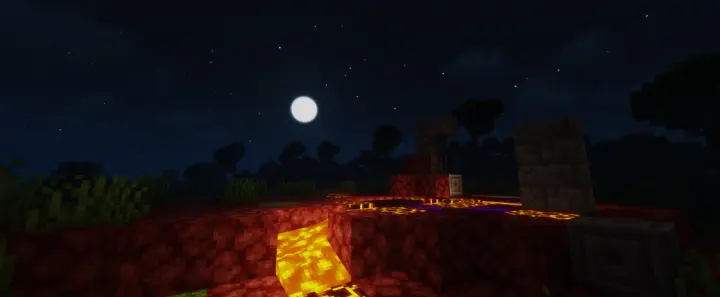
Ready for your phone
Blocky Night Under Stars
Save to my phone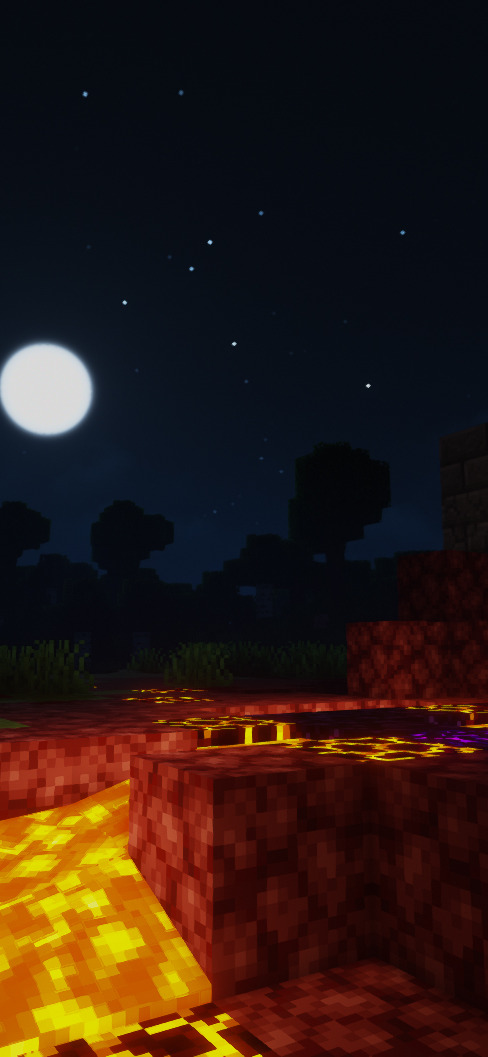
- Save the wallpaper to Photos (tap Download, then Save Image).
- Open Settings › Wallpaper › Add New Wallpaper, or long-press the Lock Screen and tap +.
- Choose Photos, pick the wallpaper and pinch to adjust.
- Tap Add, then Set as Wallpaper Pair (or customise the Home Screen separately).
- Download the wallpaper; it is saved to your Downloads or Gallery.
- Long-press an empty spot on the Home screen and tap Wallpaper & style.
- Choose the image from your Gallery or Photos.
- Apply it to the Home screen, Lock screen or both.