MacBook Pro 16″ wallpapers
Every wallpaper below covers the MacBook Pro 16″ screen (3456×2234 pixels, 13.9:9) without upscaling. Use the size button to get a file cut to the exact screen, or open a wallpaper for every other size.
Resolution3456 × 2234
Aspect ratio13.9:9
Fitting wallpapers1
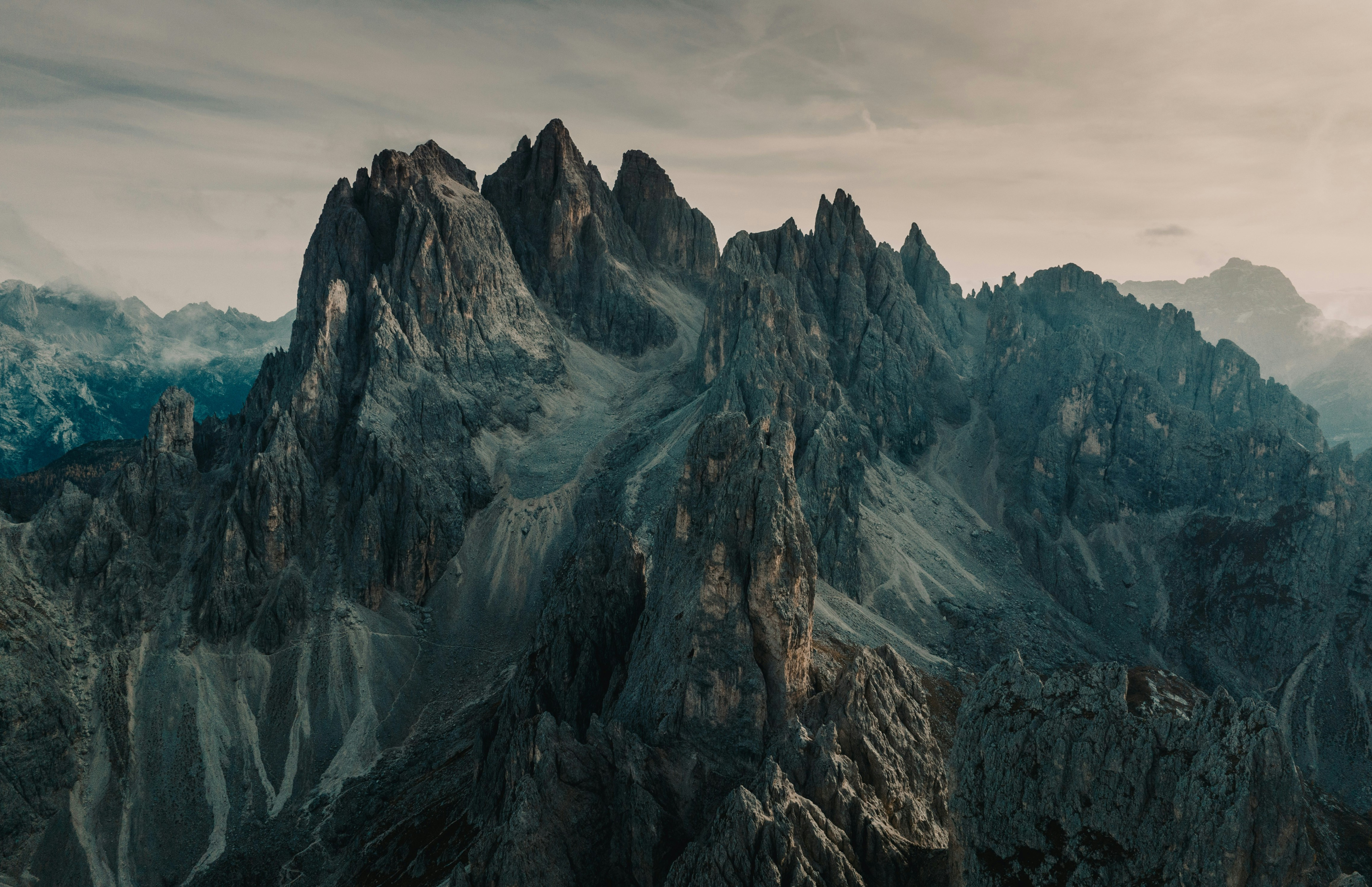
How to set a wallpaper on the MacBook Pro 16″
- Download the wallpaper (it lands in Downloads).
- Open System Settings › Wallpaper and click Add Photo…, or right-click the file in Finder and choose Set Desktop Picture.
- Choose "Fill Screen" so it covers the display edge to edge.
Questions
What wallpaper size fits the MacBook Pro 16″?
The MacBook Pro 16″ screen is 3456×2234 pixels (13.9:9). Every wallpaper on this page can be downloaded at exactly that size, so it fills the screen without stretching.
Will the wallpaper be cropped?
Only wallpapers whose shape is close to this screen are listed, so at most a thin strip at the edges is trimmed. The original full-size file is also available on each wallpaper page.
Are these wallpapers free?
Yes. Downloads are free for personal use, with no account and no countdown.